 TeenPatti
Begin with the right file
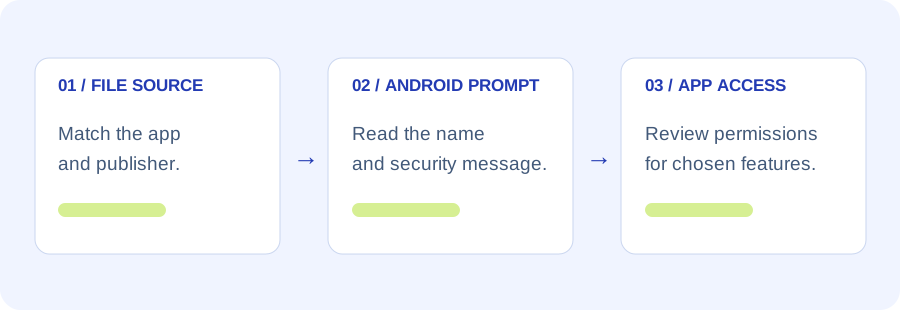
Use the app’s exact name and a trusted publisher channel, then compare the APK with its release record. This site’s measured file details identify one supplied snapshot rather than certify every download carrying the same title.
Prefer a trusted app store when the publisher provides one. If you obtain an APK elsewhere, keep the source and file checks together before opening it.
A practical installation sequence
- Finish the download
Open the browser’s Downloads list and check that the transfer completed. A partial file can lead to a parsing or installation error.
- Review the source permission
Android may require the browser or file manager to have installation-source permission. Menu names and policies depend on Android version, manufacturer and device management.
- Read the system message
Confirm the displayed application identity. Keep Play Protect enabled; stop and investigate if the file is flagged or blocked.
- Review access after installation
Open Android Settings → Apps → the app → Permissions. Decide whether each capability is needed for a feature you choose to use.
Source access is different from app access
Allowing a browser to open an APK installation does not automatically grant the newly installed app camera, contacts, location or microphone access. Review those later requests separately.
Restore installation-source access after use where appropriate. A guide should not ask you to disable protections simply to get past a warning.
Check before the first launch
Read the provider’s privacy terms, supported region and actual game format. Keep passwords and recovery information private. The Android requirement is only one compatibility condition; see the device checks for this file.
Sources and scope
- Google Android Help: installing apps
- Google Android Help: Play Protect
- Google Android Help: app permissions
Reviewed 23 October 2026. Android menus, publisher releases and table rules can change. General account guidance applies only to methods actually offered by the verified provider.